
To go to cPanel, type your domain name followed by /cpanel into your browser (for example yourdomain.co.za/cpanel) and sign in with the username and password your host sent you. If that address doesn't load, there are a few other ways in, and we'll go through each one below.
If you've just bought hosting, or inherited a website from a developer who has since disappeared, this is the first wall you hit. Nobody tells you where the login page lives. Here's how to find it, what to do when it fails, and what to look at once you're inside.
What is cPanel, and why do you need it?
cPanel is the control panel that many hosting companies give you to manage your hosting account. Think of it as the dashboard behind your website. Your website itself is what visitors see. cPanel is where you manage the files, email addresses, databases and backups that make it work.
Most small business owners only need it a handful of times a year. You'll open it to create a new email address, install WordPress, check disk space or restore a backup after something breaks. That's why people forget how to get in.
One thing to keep straight: cPanel is not the same as your WordPress dashboard. WordPress (at yourdomain.co.za/wp-admin) controls what's on your pages. cPanel controls the hosting underneath. Different login, different password.
How do I log in to cPanel?
Method 1: add /cpanel to your domain
This is the quickest route on most hosting accounts.
- Open your browser and type your domain followed by /cpanel, for example yourdomain.co.za/cpanel
- Press Enter. The browser should send you to a login page, usually on port 2083.
- Type your cPanel username and password.
- Click Log in.
The same trick works for webmail. Add /webmail to your domain and you'll land on the email login page instead.
Method 2: use the direct address with the port number
If the shortcut doesn't work, type the full address with the secure port:
- https://yourdomain.co.za:2083
- https://server-name.yourhost.co.za:2083 (the server name is in your welcome email)
Port 2083 is the secure cPanel port. You may also see 2082, which is the older unsecured version. Always use 2083 when you can, because your password then travels encrypted.
Method 3: log in from your client area
Many hosts, including most South African ones, put a "Log in to cPanel" button inside your client area. You sign in to your normal customer account, open your hosting package and click the button. It's handy if you've lost the cPanel password, because the client area logs you straight in without asking for it.
Method 4: use the IP address
If your domain isn't pointing at the hosting yet (a brand new site, or one you're moving), the domain won't work. Your welcome email normally includes the server IP address. Type it in like this: https://192.0.2.10:2083, with your own IP in place of that example one. Your browser will probably warn you about the certificate. On a brand new account that's expected, though only click through if the IP came from your host.
Where do I find my cPanel username and password?
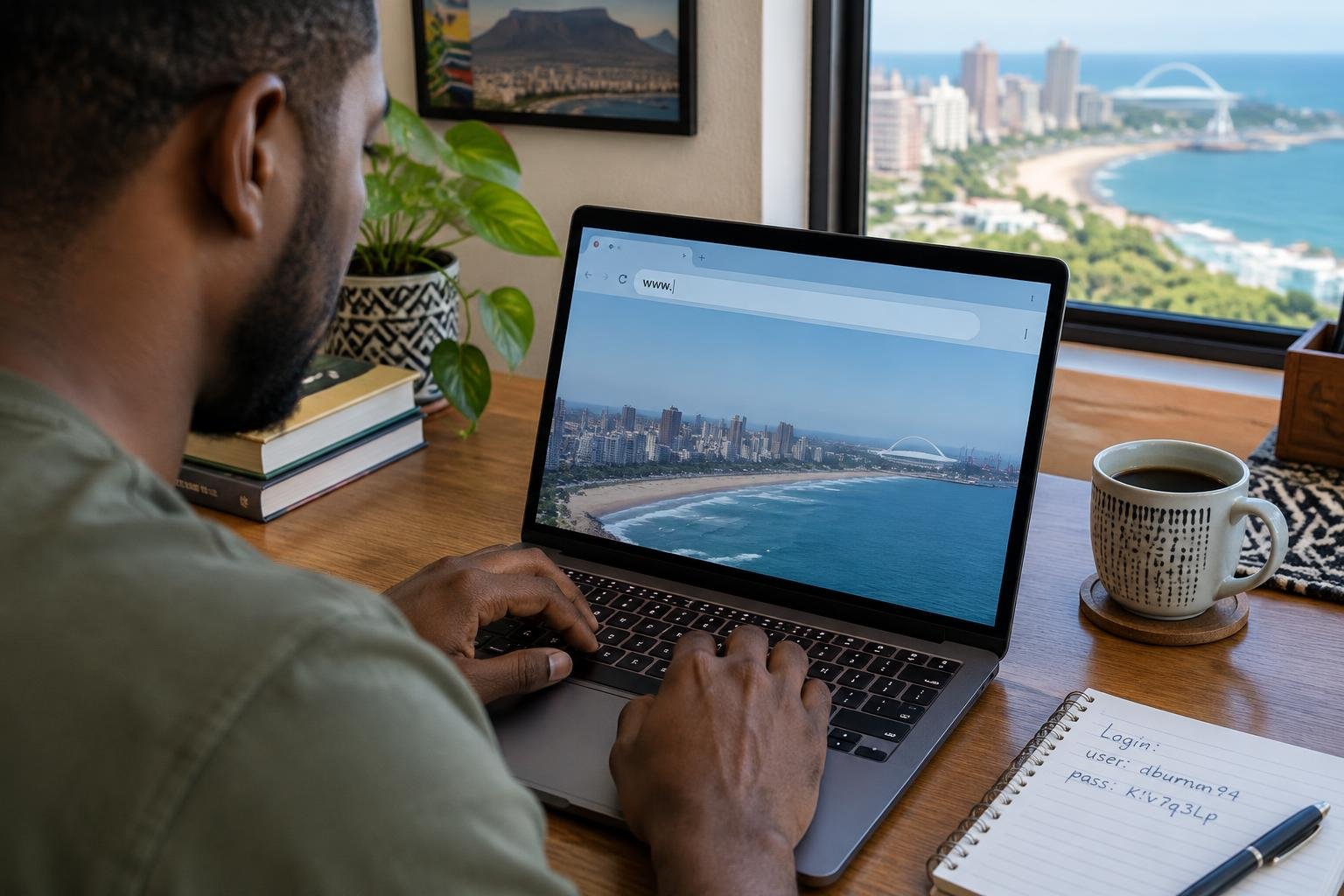
Start with the welcome email your host sent when you signed up. Search your inbox for "welcome", "hosting account" or "cPanel". It normally contains the username, a temporary password, the server address and the nameservers.
Can't find it? Work through this list:
- Check your spam or junk folder.
- Look inside your client area, where the hosting package page often shows the username.
- Ask whoever built your site. Developers often set up the account in their own name.
- Use the "Reset password" option in your client area, or ask support to do it.
A tip from years of watching this go wrong: the cPanel username is not your email address and it's not your client area login. It's usually a short, lowercase name, often the first eight letters of your domain. People type their email address, get rejected and assume the account is broken.
Why can't I get into cPanel? Common problems
The page times out or won't load
Some office networks and public Wi-Fi block unusual ports like 2083. Try your phone's mobile data instead. If it loads there, the problem is your network. In that case the /cpanel shortcut, or logging in from the client area, often gets around it because it can use the normal secure port.
"Your connection is not private" warning
You'll see this when you use an IP address or the server name instead of your domain. The certificate doesn't match what you typed. If you reached the page from your own client area or a link in your host's email, it's fine to continue. If someone sent you a strange link, don't.
Invalid login
Check the obvious things first. Caps lock. A copied password with a space on the end. The wrong username. After a few failed attempts cPanel blocks your IP address for a while, so wait fifteen minutes or ask your host to unblock you. Don't keep hammering it.
The domain shows the wrong website or nothing at all
If your domain's DNS isn't pointing at your host yet, /cpanel will lead somewhere else. Our plain guide to DNS explains what's happening, and the quick fix is to use the server IP or the client area button until DNS catches up. That can take a few hours, sometimes up to a day.
What should I do once I'm in?
The cPanel home screen looks busy. Icons everywhere, each with a technical name. For most small businesses, only a few matter.
| What you want to do | Where to click in cPanel |
|---|---|
| Create or change an email address | Email Accounts |
| Set up email forwarding | Forwarders |
| Check how much space you've used | Disk Usage |
| Download a backup of your site | Backup |
| Add a website or subdomain | Domains, or Subdomains |
| Manage the database behind WordPress | MySQL Databases |
| Browse or upload website files | File Manager |
| Install WordPress or another app | Softaculous Apps Installer, if your host provides it |

Honestly, most people never need to touch anything outside Email Accounts, Backup and File Manager. If you aren't sure what an icon does, leave it alone. A wrong click in File Manager can take your whole site offline.
Two habits worth building
First, download a full backup before you change anything. It takes a few minutes and it has saved plenty of people from a bad afternoon.
Second, set a strong, unique password and keep it in a password manager. cPanel gives access to your email, files and databases in one place, so it's a juicy target. If your site holds customer details, POPIA expects you to take reasonable care of that data, and a weak hosting password undermines it. Turn on two-factor authentication if your host offers it. It's under Security, then Two-Factor Authentication.
What if my host doesn't use cPanel?
Not every host does. Some use their own custom panel, and plenty of modern setups use something else entirely, such as Plesk or DirectAdmin. The idea is the same: a web page where you manage the account. If /cpanel gives you an error, look in your welcome email or client area to see which panel you actually have. Don't assume the problem is your password when the panel might simply be a different one.
Frequently asked questions
What is the cPanel login URL?
It's normally your domain followed by /cpanel, or your domain followed by :2083. Your host's welcome email will list the exact address as well, and it may be a server name instead of your own domain.
Is cPanel free?
You don't buy cPanel separately as a small business. It's included with the hosting plans of hosts that use it, and the cost is built into the plan price. Free hosting that includes cPanel exists, but it usually comes with tight limits and no real support, so think twice before putting a business on it.
Can I get into cPanel without a password?
Often, yes. If your host has a client area, logging in there and clicking the cPanel button signs you in directly. If you can't get into the client area either, you'll need to reset that password through your registered email address or contact support.
What is the difference between cPanel and WHM?
cPanel is what you use to manage one hosting account. WHM (Web Host Manager) sits above it and is used by resellers and server administrators to create and manage many cPanel accounts. If you only have one website, you'll never see WHM.
Need a hosting account that's easy to manage?
If you're tired of hunting for logins, or you're still on a host that makes it hard, take a look at our website hosting plans. They start at R40 a month on the Easy plan (R432 a year), and new clients get a free .co.za domain when they pay a year of hosting in advance on the Easy, Basic, Standard or Advanced plans. If you'd like someone to handle the technical side of your site as well, you can get in touch and we'll help.